PCM Audio Explained: How an Online PCM Player Decodes Raw Digital Sound
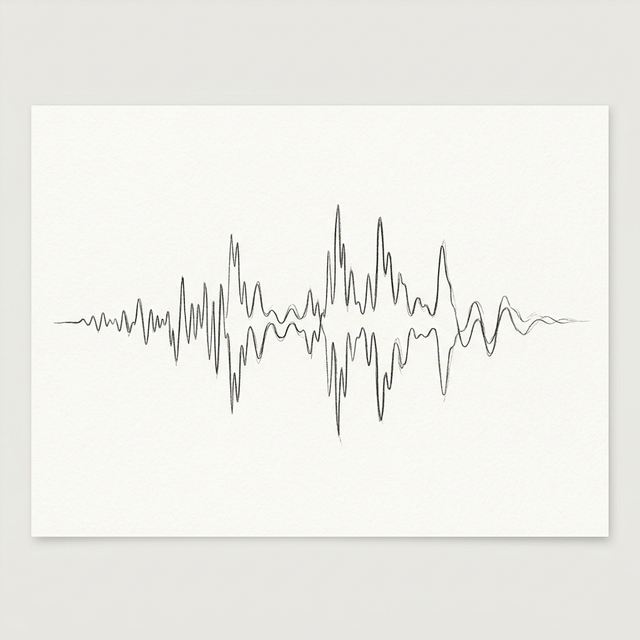
Pulse Code Modulation (PCM) is the absolute foundation of digital audio. Before we had MP3s, streaming services, or even CDs, researchers at Bell Labs were refining the math that allows us to turn physical sound waves into strings of ones and zeros. But for many modern creators, PCM remains a "mystery format"—often arriving as raw files without headers, refusing to play in standard media players. In this definitive guide, we’ll demystify PCM and explain why it’s the gold standard for audio professionals.
What Exactly is PCM?
Imagine a physical sound wave: it’s a continuous, curvy line of air pressure changing over time. To capture this in a computer, we have to "slice" that wave into tiny pieces. This process is called sampling. PCM is the method of taking these samples and assigning each one a numerical value. Unlike MP3 or Opus, PCM is "uncompressed." It doesn't try to be clever or save space; it simply records the exact amplitude of the wave at every point in time. This makes it a lossless representation of the original signal.
The Two Pillars: Sample Rate and Bit Depth
To understand a PCM file, you must know its two primary dimensions. Think of it like the resolution of a video.
- Sample Rate (Frequency): This is how many "snapshots" we take per second. High-fidelity audio typically uses 44,100Hz (CD quality) or 48,000Hz (professional video). For high-res audio, 96kHz or even 192kHz is used. If the sample rate is too low, the audio sounds muffled or distorted because high-frequency details are lost.
- Bit Depth (Resolution): This determines the dynamic range. An 8-bit file sounds like an old Nintendo game—crunchy and noisy. 16-bit (standard) provides 65,536 levels of volume, which is enough to make the background noise virtually silent. 24-bit is the studio standard, offering billions of levels for maximum precision during editing.
The Challenge of Raw PCM
Standard audio files like WAV are essentially "PCM with a label." The WAV header tells the computer: "Hey, I'm 44.1kHz, 16-bit, and stereo." Raw PCM files (.pcm or .raw) lack this label. If you try to open a raw PCM file in VLC, it has no idea how fast to play the samples. This is why tools like audio-converters are essential. We allow you to manually specify these parameters so you can hear the "raw" data exactly as it was recorded.
Why PCM Still Rules in 2026
In an era of high-speed internet, why do we bother with bulky PCM? The answer is transparency. Every time you convert audio to MP3, you lose data. In professional recording, AI voice training, and medical signal analysis, any loss is unacceptable. PCM provides the pristine "source" from which all other formats are derived. When you use our local browser-based converter, we treat your PCM data with the respect it deserves, ensuring that the conversion to WAV or MP3 maintains the highest possible mathematical integrity without ever sending your sensitive raw data to a remote server.
Conclusion
Understanding PCM is the first step toward mastering audio engineering. Whether you are a developer debugging a VoIP stream or a musician archiving your work, knowing the relationship between samples and bits gives you total control over your sound. Next time you encounter a stubborn .raw file, open our online PCM player or PCM to WAV converter and set the correct sample rate, bit depth, and channels so the raw data can finally sing.
Thanks for reading our technical deep-dive!